

Step 1:
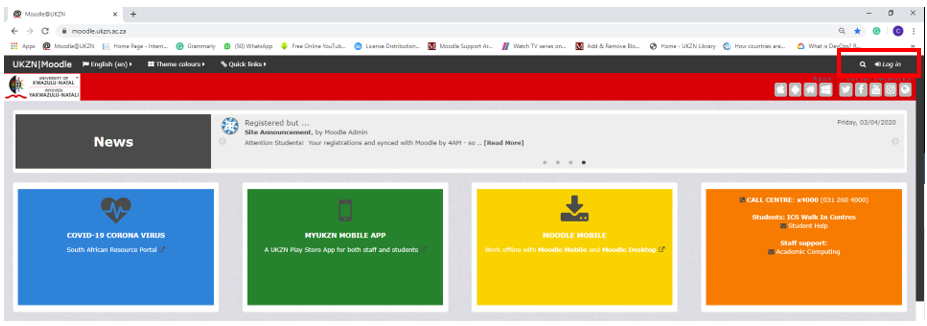
- Go to the UKZN Moodle LMS – Learn
Step 2:
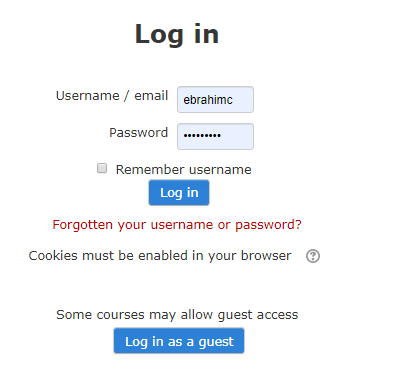
- Click Login (Top Right)

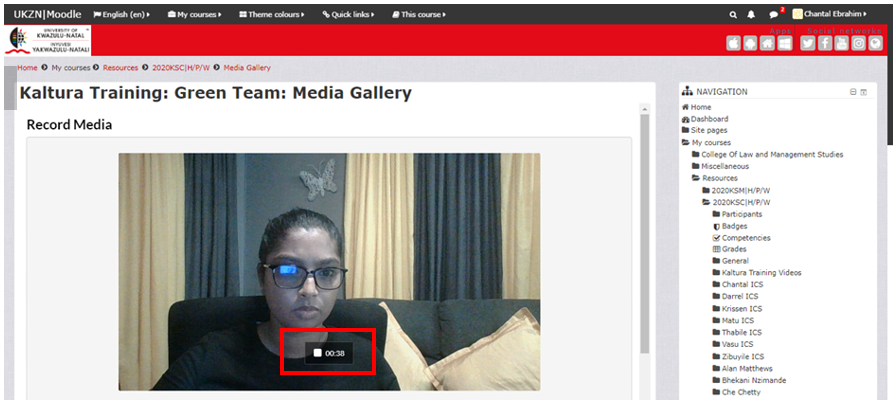
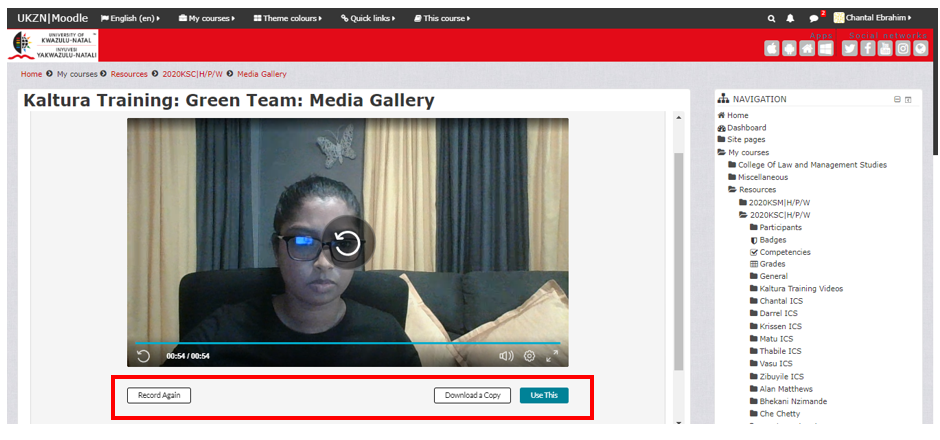
Record again: Will begin a new recording
Download Copy: Will download a copy locally (Downloads folder on your PC)
Use This: Uses the current recording
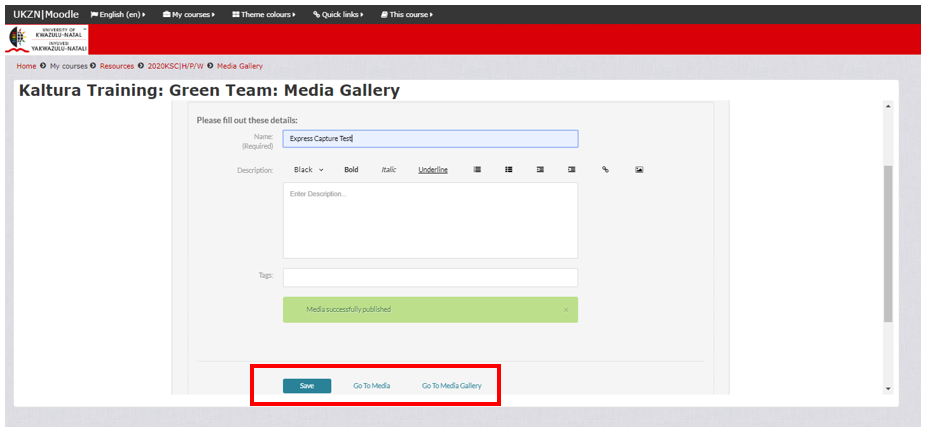
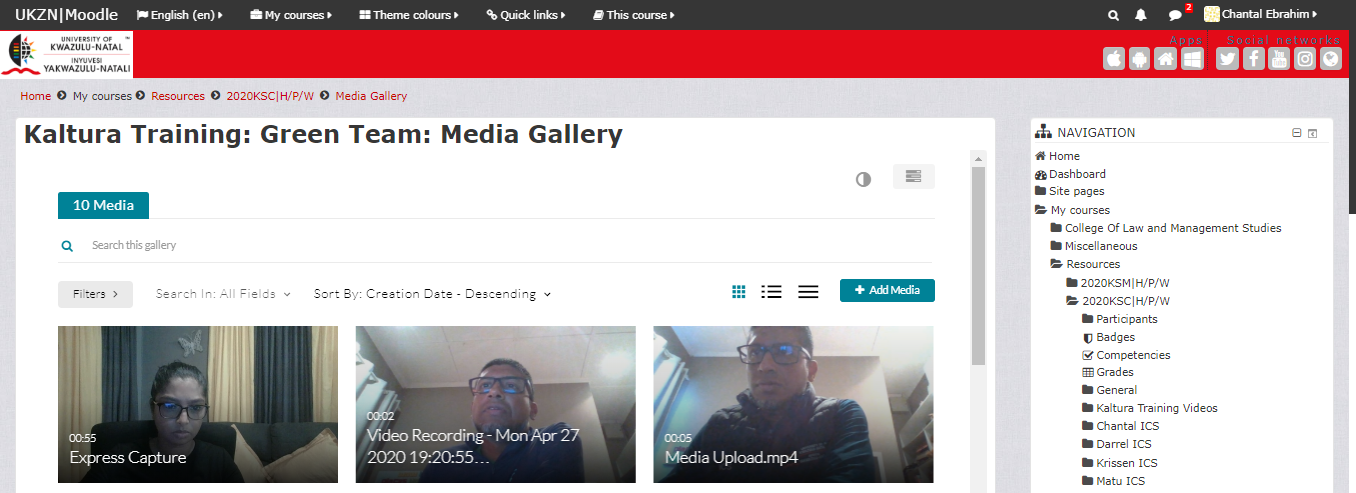
For more information on how to publish media files from My Media to Media Gallery, click here.