Overview
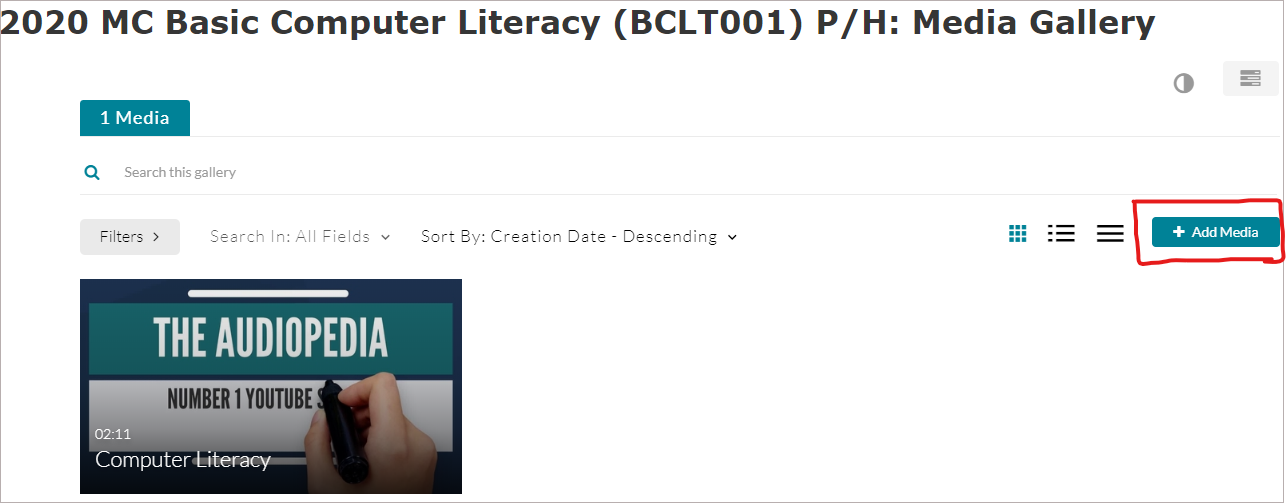
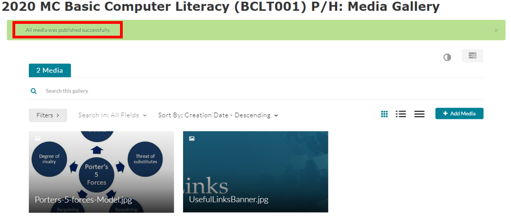
All the media items created and added (via Kaltura Capture, your computer, Express Capture and YouTube) are stored in “My Media”. The contents of “My Media” can be found and accessed in all your courses on Moodle while the contents of the “Media Gallery” are only specific to each course.
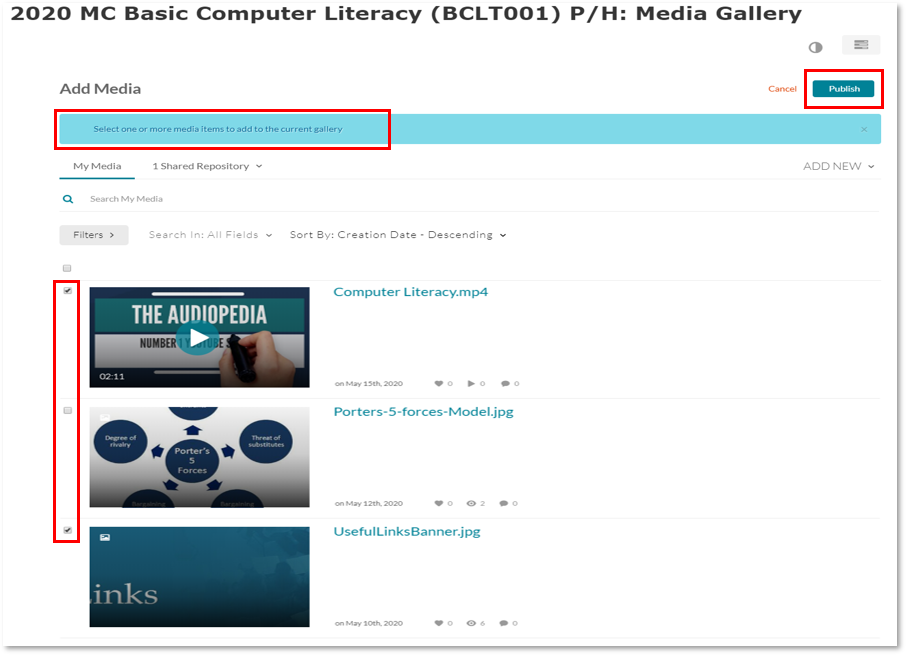
However, you may decide to add (publish) some media items from one or some of your courses to the media gallery of another course (e.g. into the course you are currently in). This can be done because all the media items you added in each of the media galleries of other courses can be found in “My Media” (which shows in every course).
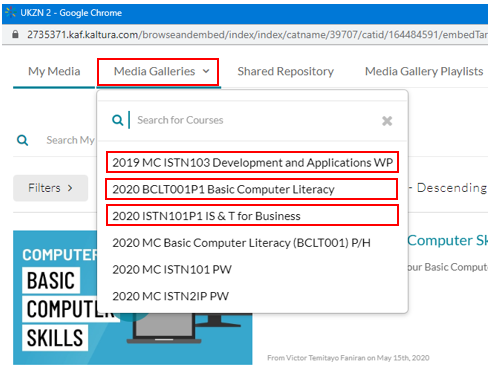
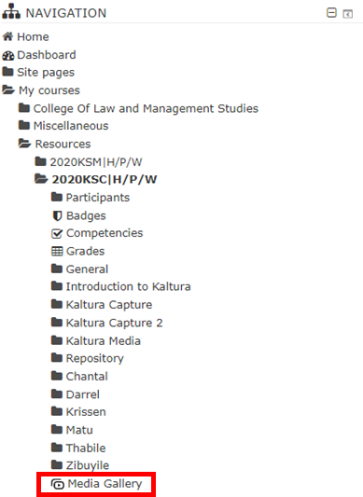
For instance: The image below shows drop-down options of different Media Galleries for six courses. These six media galleries would contain different media items based on each course. However, as stated above, “you may decide to add (publish) some media items from one or some of your courses to the media gallery of another course”.