Overview
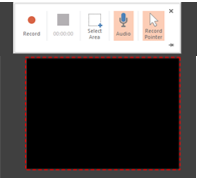
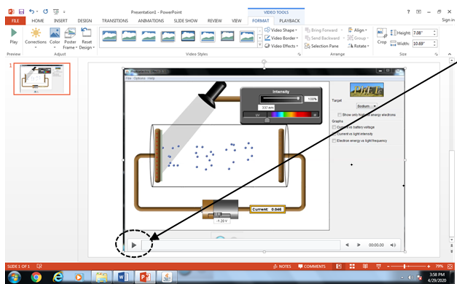
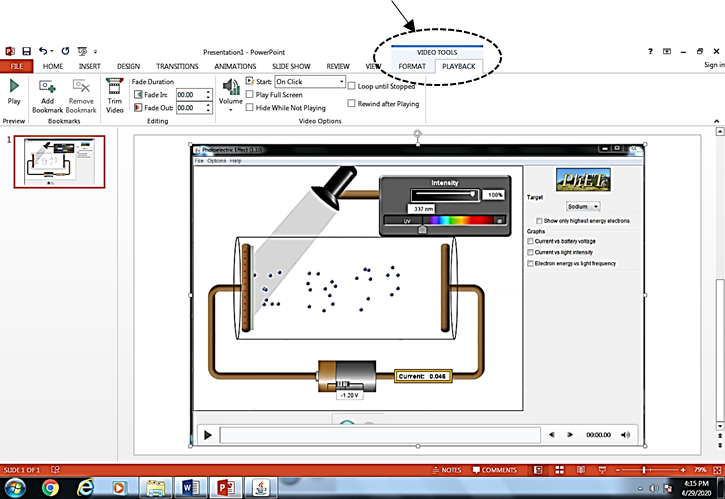
• This is a useful and simple feature of PowerPoint that allows you to create a video to capture whatever you are doing on your computer screen, with narration/audio explanations. This is critical for those of us who use software other than PowerPoint (e.g. computer simulations) as teaching resources.
• The video can be left embedded in a PowerPoint presentation (as intended), or saved to disk as a Media file (.MP4 format) for editing/compression/uploading as desired.
• A recording of 4:49 minutes with pointer recording and audio is around 13.7 MB. Once saved, compression software like VLC or Handbrake can be used to reduce the file size.
Prepared By: Mary-Anne Good, School of Education