Overview
HandBrake takes videos you already have and makes new ones that work on your mobile phone, tablet, TV media player, game console, computer, or web browser—nearly anything that supports modern video formats. HandBrake works with most common video files and formats, including ones created by consumer and professional video cameras, mobile devices such as phones and tablets, game and computer screen recordings, and DVD and Blu-ray discs.
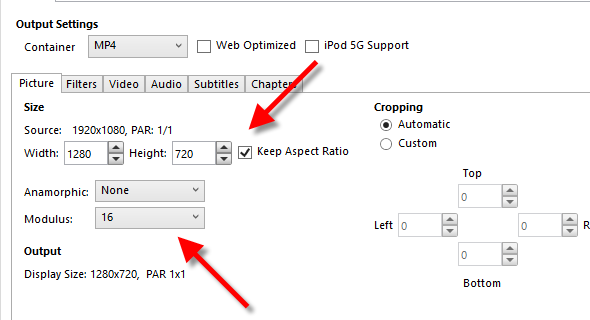
HandBrake can also make videos that are smaller – taking up less storage space on your device – than the originals.
When To Use
You can use Handbrake when:
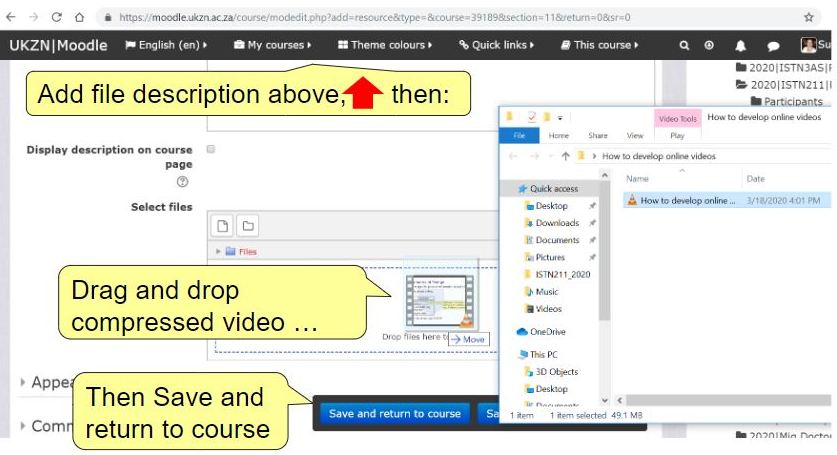
- Your video (.mp4) file size is LARGE (greater than 100MB) – the mp4 file needs to be compressed. This is because Moodle @UKZN only takes a maximum of 100MB.

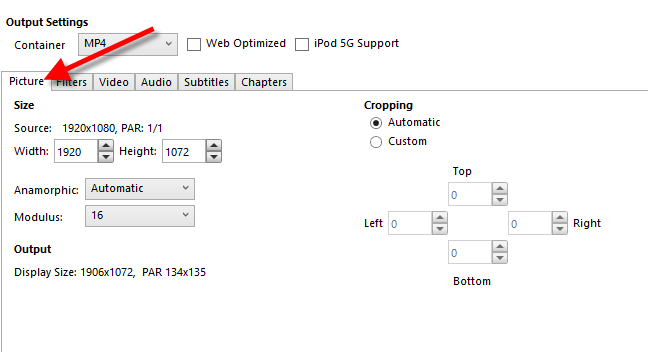
- You need to crop and resize video
- You need to restore old and low-quality video
- You need to convert nearly any video to MP4, MKV or WebM.