Overview
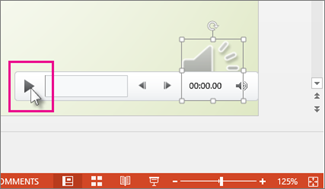
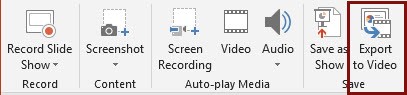
Microsoft PowerPoint includes an easy to use audio and video recording facility. It is suitable for narrating a PowerPoint presentation. To use this tool, you will need a presentation, a script or outline of what you want to say, headphones with a microphone are recommended and a quiet place to make your recording. Narrations and timings can enhance a web-based or self-running slide show. If you have a sound card, microphone, and speakers, and (optionally) a webcam, you can record your PowerPoint presentation and capture narrations, slide timings, and ink gestures. After you have made the recording, it’s like any other presentation that can be played for you or your audience in Slide Show—or you can save the presentation as a video file.
When To Use
When you need to narrate and record a PowerPoint presentation and make available to students online.